
Ultrasurf
Tools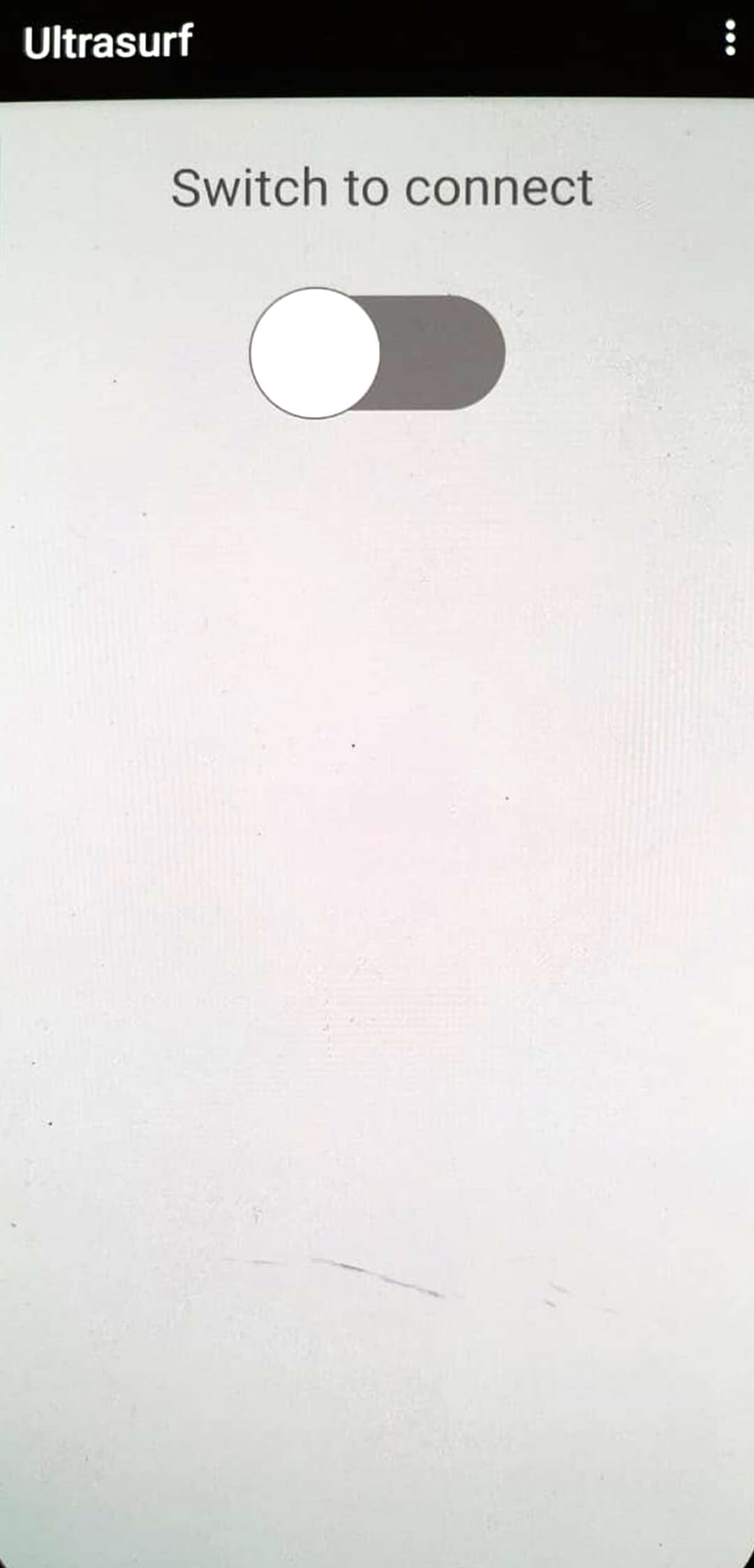
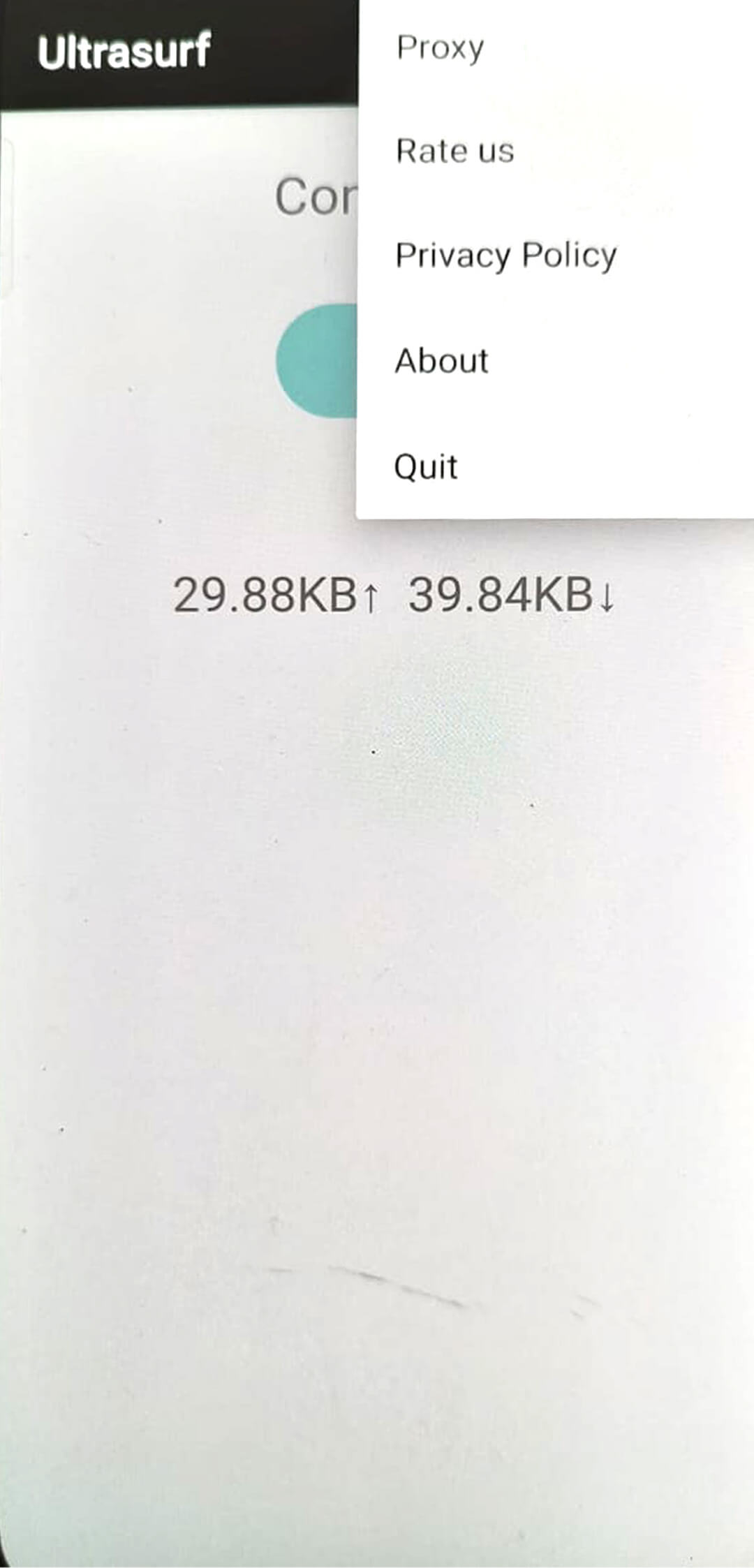
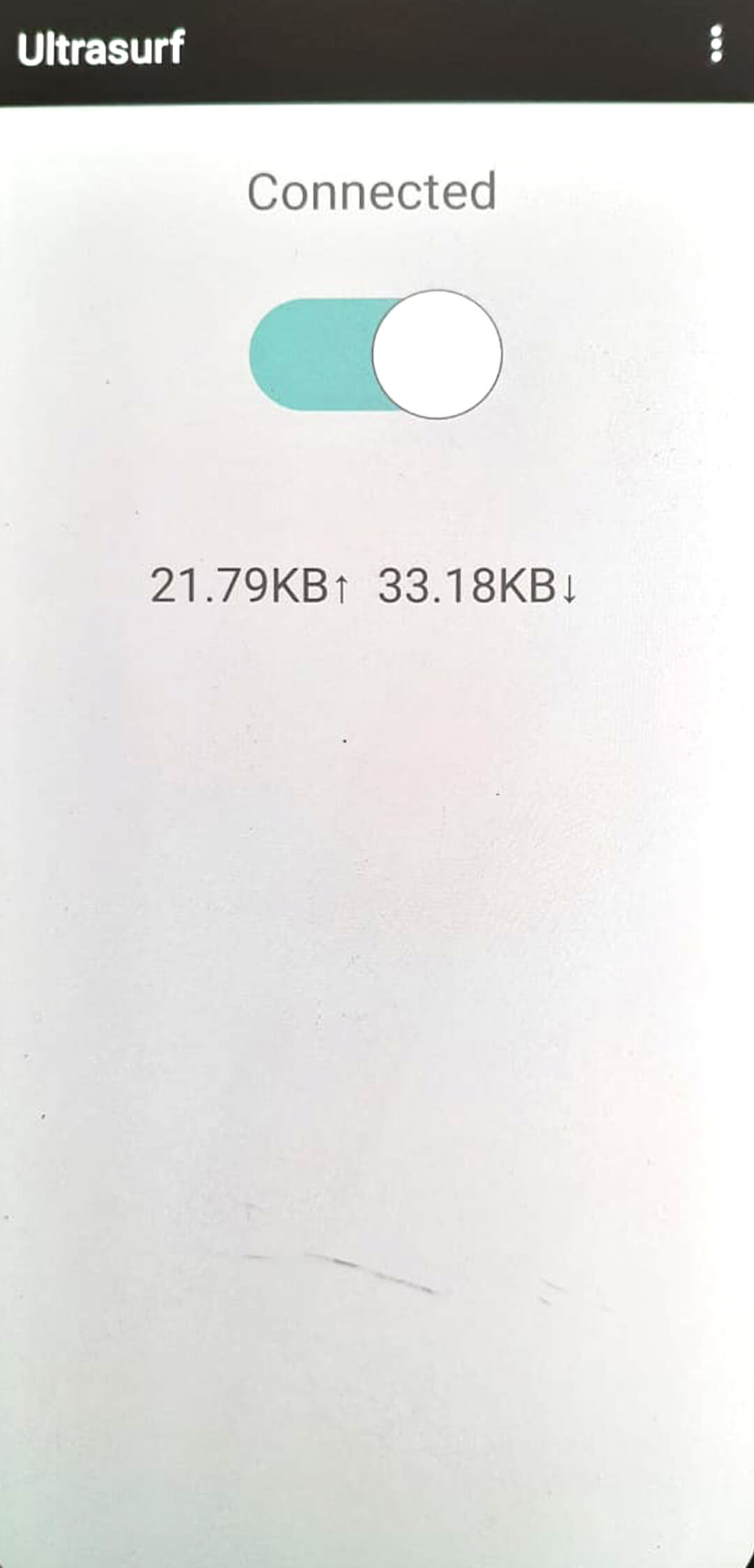

Ultrasurf is a lightweight VPN application for Android that aims to keep your online activity private. It routes your traffic through encrypted servers, helping you bypass censorship and protect personal data on public Wi‑Fi.
This page provides the latest version details, installation guide, basic troubleshooting, safety tips, and a quick comparison with other popular VPN tools.
Quick Information
| App/Game Name | Ultrasurf |
| Latest Version | 3.3.6 |
| Developer | Not listed |
| Category | Apps / Tools |
| App Size | 12.83 MB |
| Package Name | us.ultrasurf.mobile.ultrasurf |
| Last Updated | 1 October 2026 |
What Is Ultrasurf?
Ultrasurf works as a proxy‑based VPN, encrypting the connection between your device and the internet. Its core features include:
- Free, unlimited browsing without a subscription.
- Simple one‑tap connection to hide your IP address.
- Support for most Android smartphones and tablets.
The app is designed for users who need quick privacy protection without complex configuration. It does not offer advanced features such as split tunneling, dedicated IPs, or a built‑in ad blocker.
Compatibility
| Android Version | ✓ Verified — Android 4.1 and later |
| Architecture (ARM64 / 32-bit) | Not Verified |
| Internet Connection | ✓ Verified — May be required for ads, updates, or login |
| Storage Needed | Not Verified |
| OBB/Data Files | Not Verified |
| Root Required | Not Verified |
How to Install
- Enable Unknown sources in Settings > Security (or allow the file manager to install apps).
- Download the Ultrasurf APK file to your device.
- Tap the downloaded file and follow the on‑screen prompts to install.
- Once installed, open the app and tap the main button to connect.
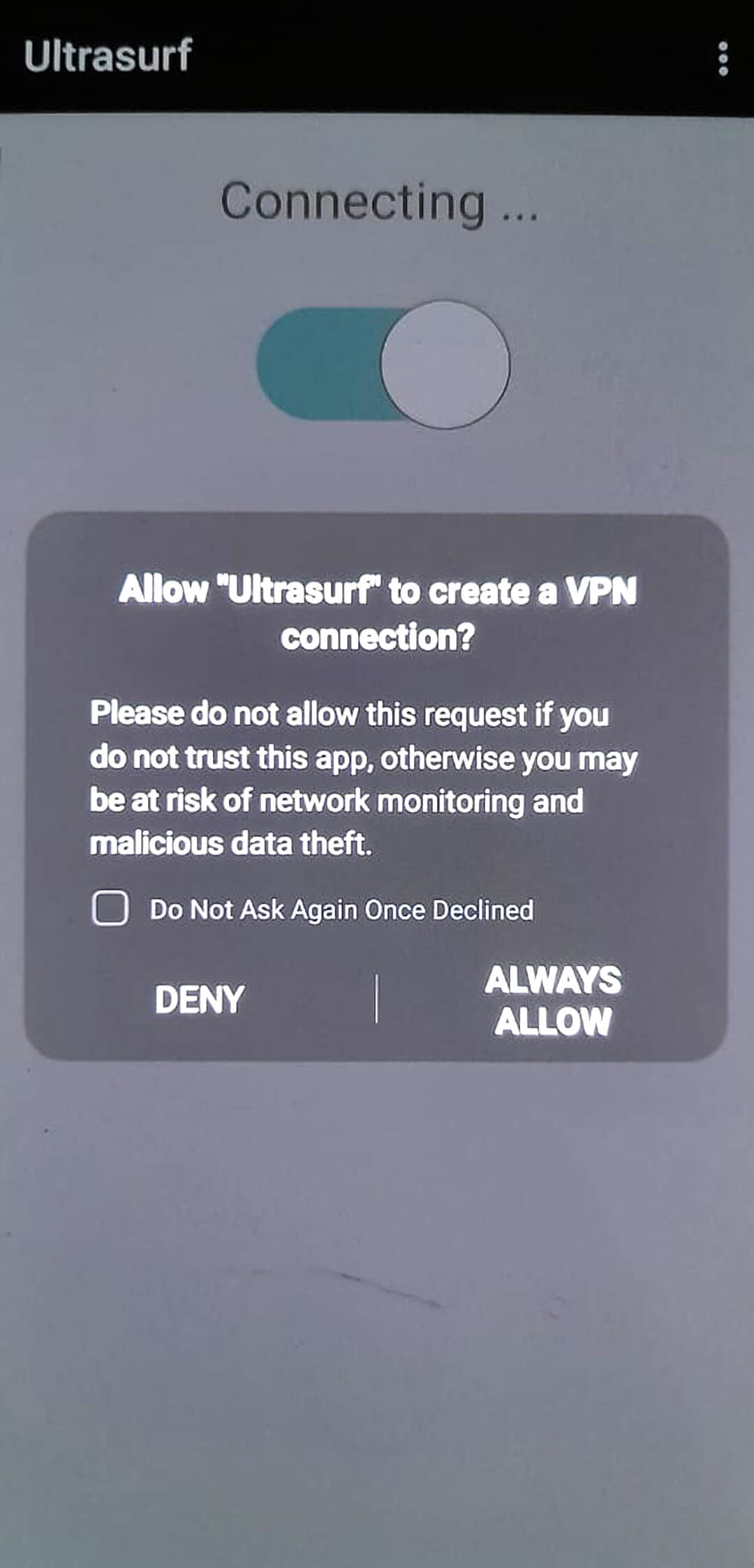
- If a prompt appears asking for VPN permission, grant it to start the service.
Troubleshooting
- App not installed: Verify the APK matches the device’s architecture (most devices use ARM). Clear any previous Ultrasurf installations before retrying.
- Crashes on startup: Ensure the device runs at least Android 5.0 (Lollipop). Re‑install the app after clearing cache and data of the package installer.
- Cannot connect to VPN: Check that no other VPN or proxy is active. Disable battery‑saving modes that may block background network access.
- Login or authentication issues: Ultrasurf does not require a user account. If a login screen appears, it may be a phishing overlay—close the app and reinstall from a trusted source.
Safety & Security
Ultrasurf is a modified‑free release, but as with any third‑party APK, download it from a reputable source. Review the permissions it requests; typical VPN apps need network access and the ability to create a VPN connection. Avoid entering sensitive credentials (banking, passwords) while using any unofficial build.
Because the app is free and does not require a subscription, updates may be less frequent. An updated version could change the server list or introduce new privacy policies, so keep an eye on release notes when a newer build appears.
How Ultrasurf Compares
| Feature | Ultrasurf | Turbo VPN | Proton VPN |
|---|---|---|---|
| Price / Free Model | Free, no ads | Free with ads, paid premium | Free tier limited, paid plans available |
| Platform Availability | Android only | Android, iOS, Windows | Android, iOS, macOS, Windows, Linux |
| Standout Feature | One‑tap proxy connection, minimal UI | Fast servers, auto‑connect | Strong no‑logs policy, Secure Core routing |
| Best For | Users needing a quick, free privacy tool | Casual users who want fast connections | Privacy‑focused users requiring strong encryption |
Alternatives
If you want more features or broader device support, consider these well‑known VPN apps:
- Turbo VPN – Offers a large server network and a premium option for higher speeds.
- Proton VPN – Known for its strict no‑logs policy and advanced security features.
- Hotspot Shield – Provides a free tier with daily data limits and a paid plan for unlimited use.
Final Verdict
Ultrasurf delivers a simple, ad‑free VPN experience for Android users who need basic privacy without a subscription. It’s lightweight and easy to set up, but it lacks advanced settings found in premium services. Verify the APK source, check permissions, and ensure your device runs Android 5.0 or newer before installing.
Frequently Asked Questions
Ultrasurf is a free VPN that encrypts your traffic, but you should download the APK from a trusted source and review the permissions it requests.
The app works on Android 5.0 (Lollipop) and newer.
No, Ultrasurf does not require any registration or login.
Yes, you can install the APK over an existing installation; the app will be updated to the new version.
This can happen if the APK is corrupted, not compatible with your device's CPU architecture, or if a previous version was not fully removed.
Older versions may be found on reputable APK archives, but using the latest version is recommended for security and compatibility.
No, Ultrasurf is a single‑file APK and does not require additional OBB or data packages.
Running any VPN can increase battery usage slightly because of encryption overhead, but the impact is usually minimal.